
A high bounce rate deserves action only after you know why visitors left, not before. Start by segmenting your analytics by landing page and traffic source to see whether the problem is a message mismatch or a technical failure, since those two causes need entirely different fixes. Verify with GA4 engaged-session data, Core Web Vitals scores, and a straightforward site audit before you touch a single headline or button.
TL;DR:
- Fix message mismatch by ensuring headlines match the ad, email, or search query to significantly reduce bounce rates with minimal effort.
- Prioritize speed improvements like optimizing images, lazy-loading content, and using a CDN, since slow load times directly cause visitors to leave early.
- Segment analytics by landing page, traffic source, and device to accurately diagnose high bounce areas and avoid fixing the wrong issues.
- Improve above-the-fold messaging by matching headlines to visitor intent and simplifying layout, which has the highest potential impact on engagement.
- Use A/B testing to validate each change individually, focusing on real conversion metrics to ensure your fixes translate into actual improvements.
Table of Contents
- What Actually Reduces Bounce Rate: A Prioritized Checklist
- How to Measure and Diagnose Bounce Rate Correctly
- Fix the Technical Bottlenecks: Core Web Vitals and Speed
- Align Your Message and Clean Up Above the Fold
- When the Problem Is the Traffic, Not the Page
- Prove It With A/B Tests, Not Guesses
- Give Visitors an Obvious Next Click
- What a Real Audit Usually Finds
- Why I Tell Teams to Stop Chasing the Bounce Number
- Get a Site That Doesn't Give Visitors a Reason to Leave
- Tools to Run These Fixes Yourself
- Sources
What Actually Reduces Bounce Rate: A Prioritized Checklist
Fixing bounce rate in the wrong order wastes weeks. Redesigning a hero section before you've confirmed the page even loads fast enough for visitors to see it is a common mistake, and so is running paid traffic to a page that never matches the ad that brought people there. Work through causes in the order they typically block conversions, not the order that's easiest to implement.
- Diagnose first. Pull landing-page, source, and device segments before changing anything. Guessing wastes engineering time.
- Fix message match. Align your headline with the ad, email, or search query that drove the click. This is often the highest-impact single fix on paid pages.
- Fix speed. Slow load times kill pages before content ever renders, regardless of how good the copy is.
- Fix mobile layout. Clean up clutter, oversized images, and cramped tap targets.
- Sharpen your CTA. One clear next step beats three competing ones.
- Control pop-ups. Delay or remove anything that blocks the first five seconds on a page.
- Add internal links. Give engaged visitors an obvious second click.
- Test everything. Confirm each change actually moves conversions, not just the bounce number.
Paid landing pages and top organic entry pages usually deliver the fastest return, since they carry the most traffic volume and the clearest intent signal. A five-minute fix, swapping a generic "Learn More" button for "Get a Free Quote," can move the needle before you've touched a single line of code.
How to Measure and Diagnose Bounce Rate Correctly
GA4 doesn't calculate bounce rate the old way. Instead of counting any single-page visit as a bounce, it tracks engaged sessions, meaning visits lasting over 10 seconds, with a conversion event, or with two or more page views. That distinction matters because a visitor who reads a full blog post and leaves satisfied looks identical to an old-school "bounce" but registers very differently in engagement terms.
Segmenting by landing page, traffic source, and device exposes causes a blended average always hides. A page might look healthy overall while its mobile segment bleeds visitors and its desktop segment converts fine.
Run this sequence before making any change:
- Rank landing pages by traffic volume and business value, not by bounce rate alone.
- Compare bounce and engagement rates across desktop, mobile, and tablet for each high-value page.
- Break traffic down by source (organic, paid, social, referral) to spot which channel brings mismatched expectations.
- Cross-reference bounce rate against conversion rate. A page with a high bounce but strong conversion on the traffic that stays is not broken.
- Check load-time reports (PageSpeed Insights or your analytics' RUM data) against pages with unusually high single-session exits.
A page that bounces heavily from paid social but performs fine from organic search points to an ad-copy problem, not a page problem. That's a five-minute campaign fix, not a rebuild.
Fix the Technical Bottlenecks: Core Web Vitals and Speed
Google's Core Web Vitals give you three concrete thresholds to hit: Largest Contentful Paint (LCP) under 2.5 seconds, Cumulative Layout Shift (CLS) under 0.1, and Interaction to Next Paint (INP) under 200 milliseconds. Miss any of these by a wide margin and visitors leave before your content even finishes rendering, which means the best copy in the world never gets read.
Layout shifts are especially brutal because they happen after a page appears to load. A visitor starts reading, an ad or image pops in, the text jumps, and they're gone. That kind of invisible technical failure makes even great messaging irrelevant.
Work through this list in order of typical impact:
- Convert images to WebP and serve responsive sizes with
srcsetso mobile devices don't download desktop-sized files. - Lazy-load anything below the fold, especially embedded video and third-party widgets.
- Defer non-critical JavaScript so the browser paints visible content first.
- Trim render-blocking CSS down to what the above-the-fold view actually needs.
- Put static assets behind a CDN to cut geographic latency.
- Target server response time (TTFB) under 200 milliseconds where possible.
Run PageSpeed Insights and Lighthouse before and after each change, and check real-user monitoring data to separate server-side latency from front-end rendering problems. If your site runs on WordPress, a dedicated speed optimization service can often shave seconds off load time that a template swap alone never will. For a deeper explanation of how caching cuts LCP, see this breakdown of caching fundamentals.
Pro Tip: Audit every embed on your homepage, chat widgets, review carousels, video players, individually. One bloated third-party script can add a full second to LCP without ever showing up in a casual glance at the page.
Align Your Message and Clean Up Above the Fold
The single biggest above-the-fold mistake is a headline that doesn't match what the visitor clicked to get there. If someone searches "emergency plumber Austin" and lands on a homepage that talks about "your trusted home services partner since 1998," they bounce, because nothing on the page confirms they're in the right place.
- Match the headline to the referral. Repeat the exact language from the ad, search query, or referral link in your hero copy within the first two seconds of view.
- Cut everything above the fold except one headline, one supporting line, and one CTA. Every extra badge, slider, or announcement bar competes for attention and slows comprehension.
- Make the CTA specific. "Get a Free Quote Today" outperforms "Submit" because it tells the visitor exactly what happens next.
- Size the CTA for thumbs, not cursors. On mobile, a button under 44 pixels tall gets missed or mistapped constantly.
Message-match fixes on paid landing pages tend to produce the largest single lift of any change on this list, because they solve the exact moment a visitor decides whether to trust the page. Speed fixes help everywhere; message match wins big specifically where you're paying for the click.
When the Problem Is the Traffic, Not the Page
Sometimes the page is fine and the traffic sending visitors to it is the actual problem. Broad-match keywords in a paid search campaign routinely pull in searches with a completely different intent than the one your landing page addresses, and no amount of page polish fixes a fundamental mismatch between what someone searched and what you're selling.
- Audit your keyword list for broad-match terms triggering irrelevant searches, and add negative keywords aggressively.
- Rewrite ad copy so it makes the same promise the landing page delivers, word for word where possible.
- Build dedicated landing pages per campaign instead of sending every ad to your homepage.
- Check referral sources: if a blog or directory describes your business inaccurately, ask them to update the listing or copy.
It's a targeting flaw, and it belongs in your ad platform, not your CMS.
Prove It With A/B Tests, Not Guesses
Every fix above needs validation, or you're just guessing with extra confidence. Write a hypothesis that names the change, the expected outcome, and the metric that proves it: "Changing the hero CTA from 'Learn More' to 'Get a Free Quote' will increase form submissions by improving click intent clarity."
- Test one variable at a time. Headline, CTA, or trust badge placement, never all three in one experiment, or you won't know which change caused the result.
- Pick a primary metric tied to revenue. Bounce rate can improve while conversions stay flat; conversion rate or lead submissions should decide the winner.
- Test on the segment that matters. Run experiments on your highest-traffic landing page first, since it reaches statistical significance fastest.
Give Visitors an Obvious Next Click
- Add contextual links inside body copy that point to a logical next page, using descriptive anchor text instead of "click here."
- Install a related-articles or related-services module near the bottom of long content.
- Add breadcrumbs on deeper pages so visitors always know how to go up a level.
- Skip internal links inside short transactional pages like a booking form. Every extra link there is an exit, not an engagement.
What a Real Audit Usually Finds
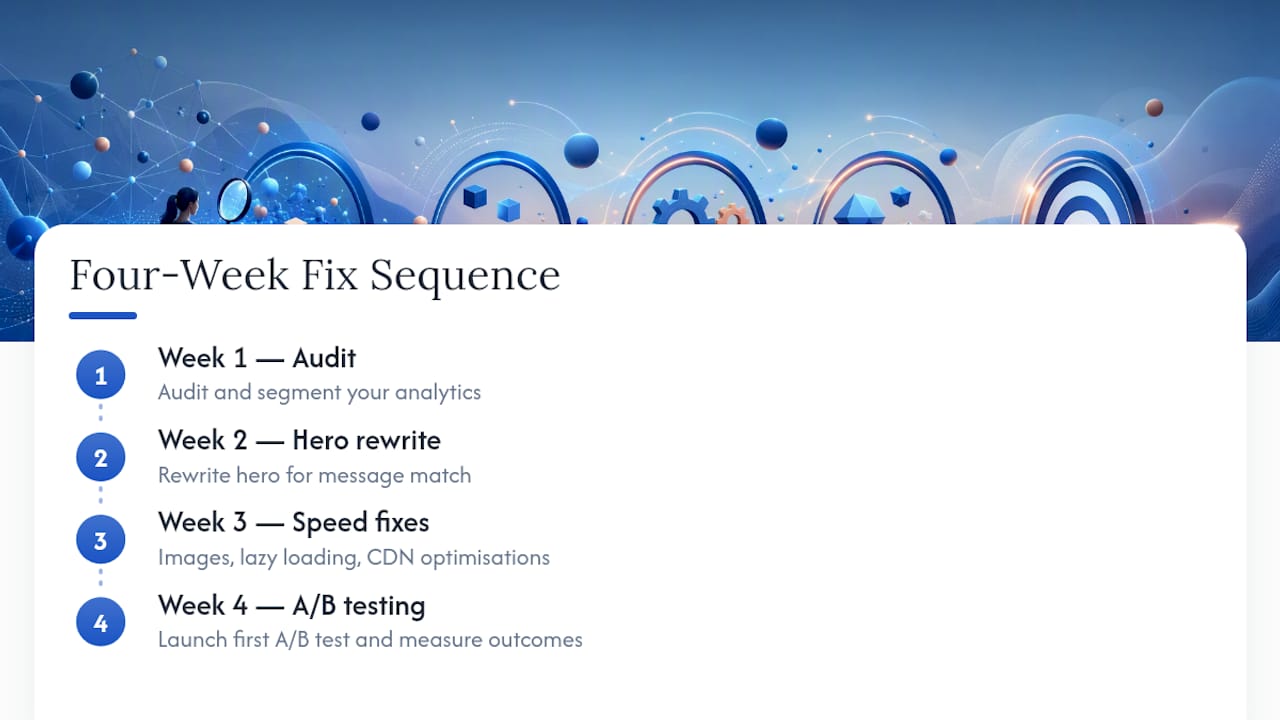
Across website audits, the same three problems show up repeatedly: LCP well past the 2.5 second target, a hero section that never states what the business actually does, and mobile layouts with buttons crammed too close together. A simple four-week sequence fixes most of it: Week 1 audit and segment your analytics. Week 2 rewrite the hero for message match. Week 3 tackle speed (images, lazy loading, CDN). Week 4 launch your first A/B test and measure.
Why I Tell Teams to Stop Chasing the Bounce Number
Most teams treat bounce rate like a scoreboard instead of a symptom. That's backward. The mistake I see most often is a redesign launched to "fix bounce rate" with five changes at once, so nobody can say afterward what actually worked. Chase conversion rate, and let bounce rate tell you where to look, not what to fix. Run your own audit against Forge-web-studio's website review checklist before you approve a single new headline.
— Dylan
Get a Site That Doesn't Give Visitors a Reason to Leave
Websites for Texas businesses should focus on fast load times, one clear above-the-fold message, and a mobile layout that doesn't fight your thumb. Instead of a slow redesign cycle stretched across months, projects can launch quickly, so the fixes above land while the traffic problem is still fresh.

Services can map directly to what causes bounce in the first place: site audits, landing-page builds with proper message match, speed optimization, and mobile-first layouts with clear contact paths. Restaurants, roofing companies, and other local service businesses get industry-specific web design built around lead flow from day one, not bolted on after launch. If your current site is bleeding visitors on mobile or buried under a slow homepage, start with a direct look at what's costing you: request a website review and get a prioritized list of what to fix first.
Tools to Run These Fixes Yourself
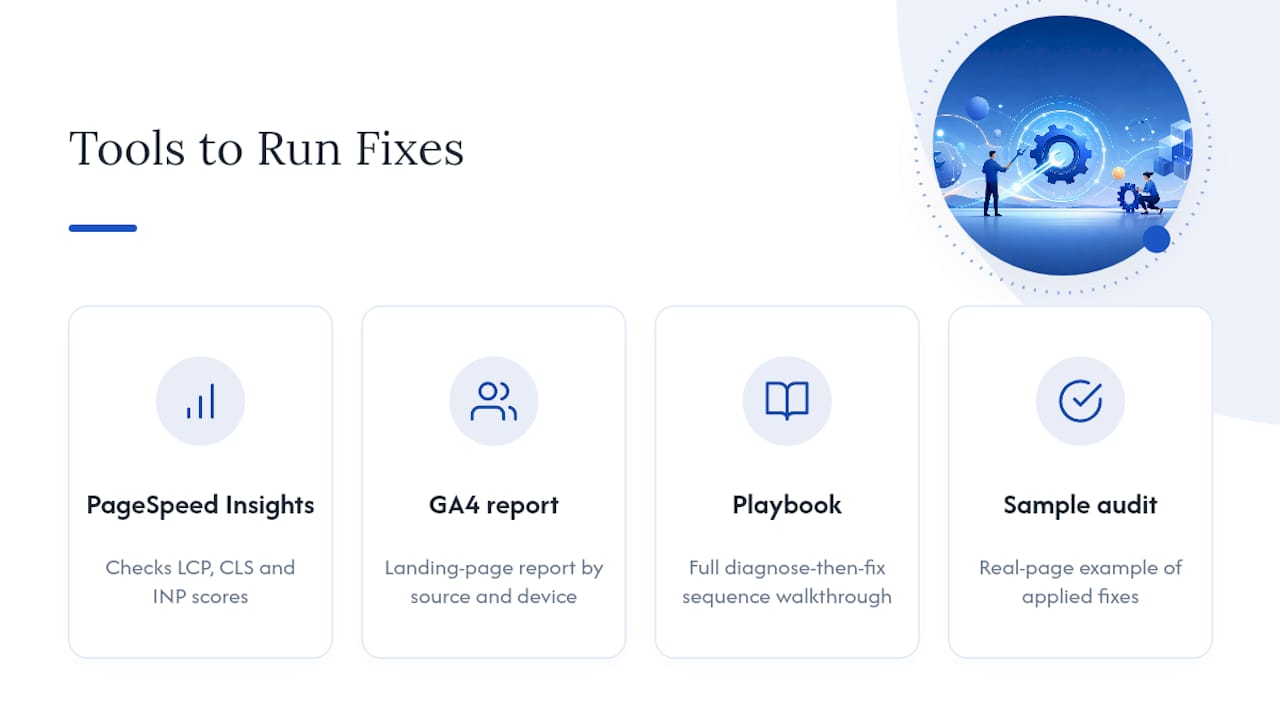
Run Google's PageSpeed Insights to check your current Core Web Vitals scores against the LCP, CLS, and INP thresholds covered above. Review your GA4 landing-page report segmented by source and device to find where visitors actually drop off. For a full walkthrough of the diagnose-then-fix sequence, this playbook breaks down the order of operations in more detail. And if you want a second set of eyes on your own site, a sample audit shows exactly what these fixes look like applied to a real page.
Sources
- Comparing bounce rates: Google Analytics 4 versus Universal Analytics — Cardinal Path
- What Is Bounce Rate? And How to Reduce It — Semrush
- Why Is My Bounce Rate So High? 8 Causes + Free Quiz (2026) — FoundryCRO